Wonder Docs

Shaders

Add rich, animated backgrounds and effects from Wonder's shader library

On this page
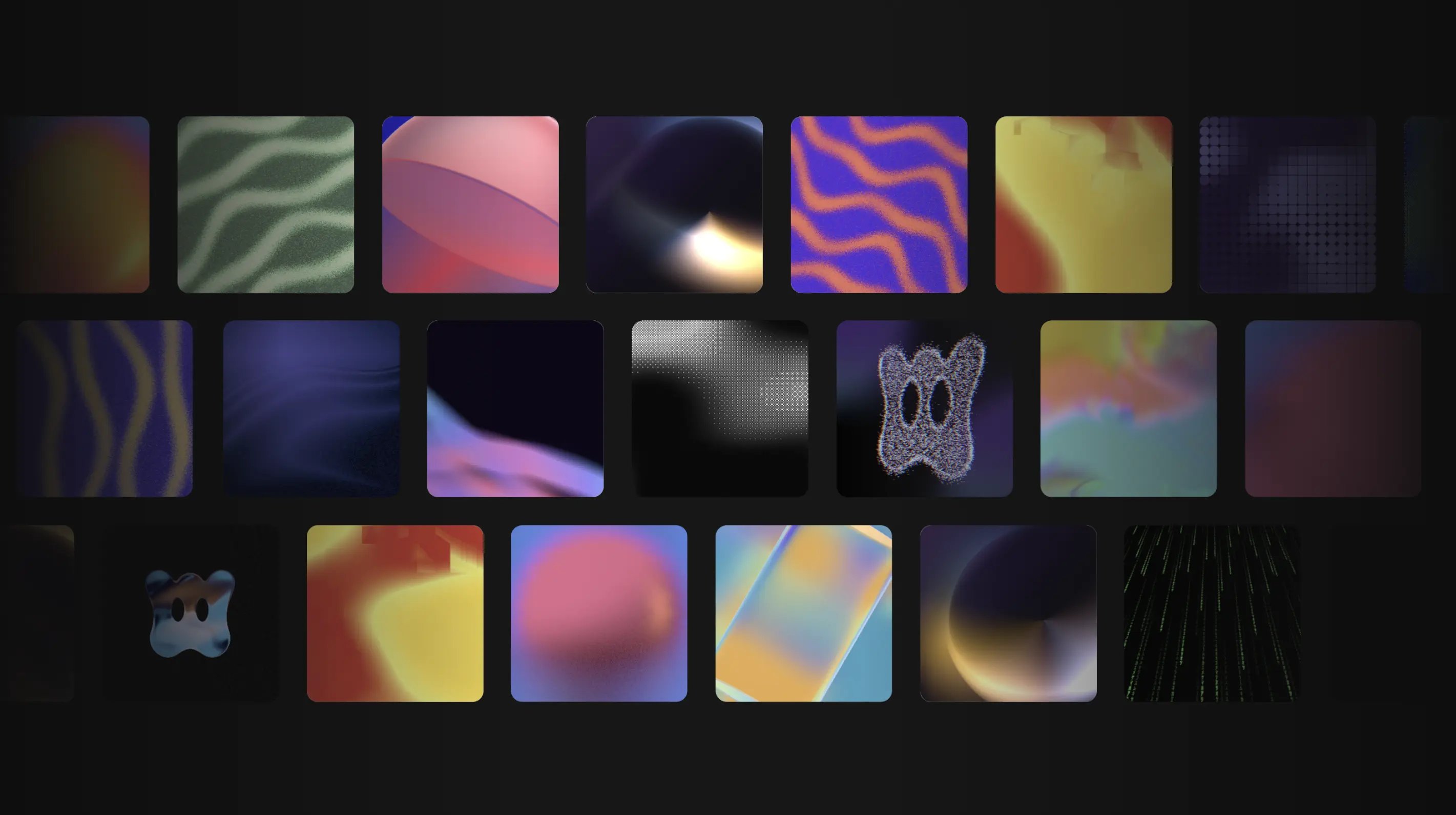
A grid of Wonder shader presets on a dark background: gradients, warps, halftone dots, grain, and metaball effects.

Add a shader to your design

You can add a shader in two ways:

  • From the toolbar: pick a shader and drop it onto the canvas.
  • As a background fill: select a frame, then add a shader as its background fill from the properties panel on the right.
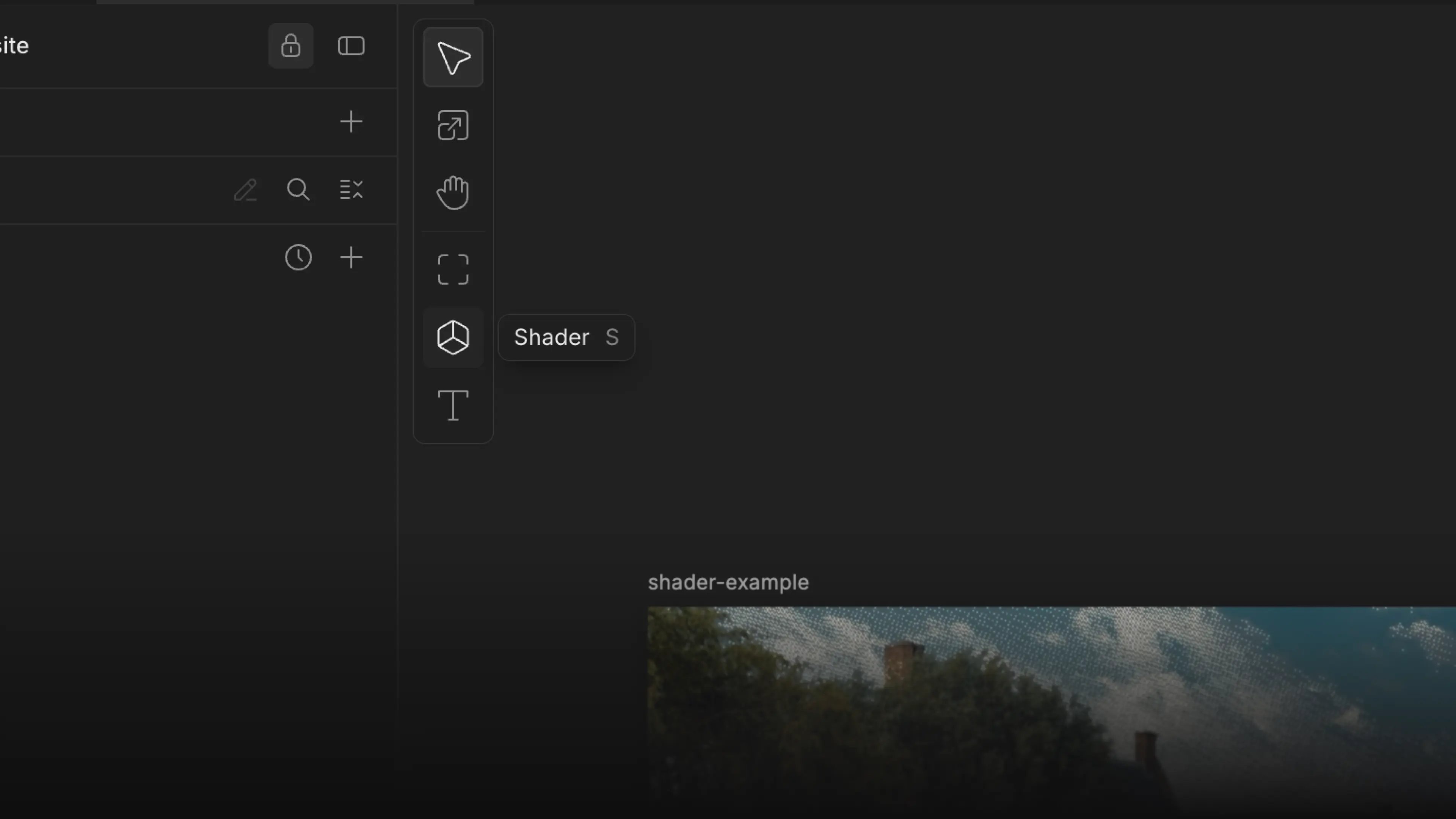
The Shader tool in the canvas toolbar, with a shader applied to an example image

Shader presets

You can browse a large library of presets, grouped by type:

  • Background shaders: animated gradients and surfaces for full-bleed backgrounds.
  • Image shaders: effects that run over an image.
  • SVG shaders: generative, vector-based surfaces.

Customization

Once a shader is applied, you can tune it to fit your design. You can change the colors or other values depending on the shader type. To open more advanced customization, click the little preferences icon in the sidebar panel.
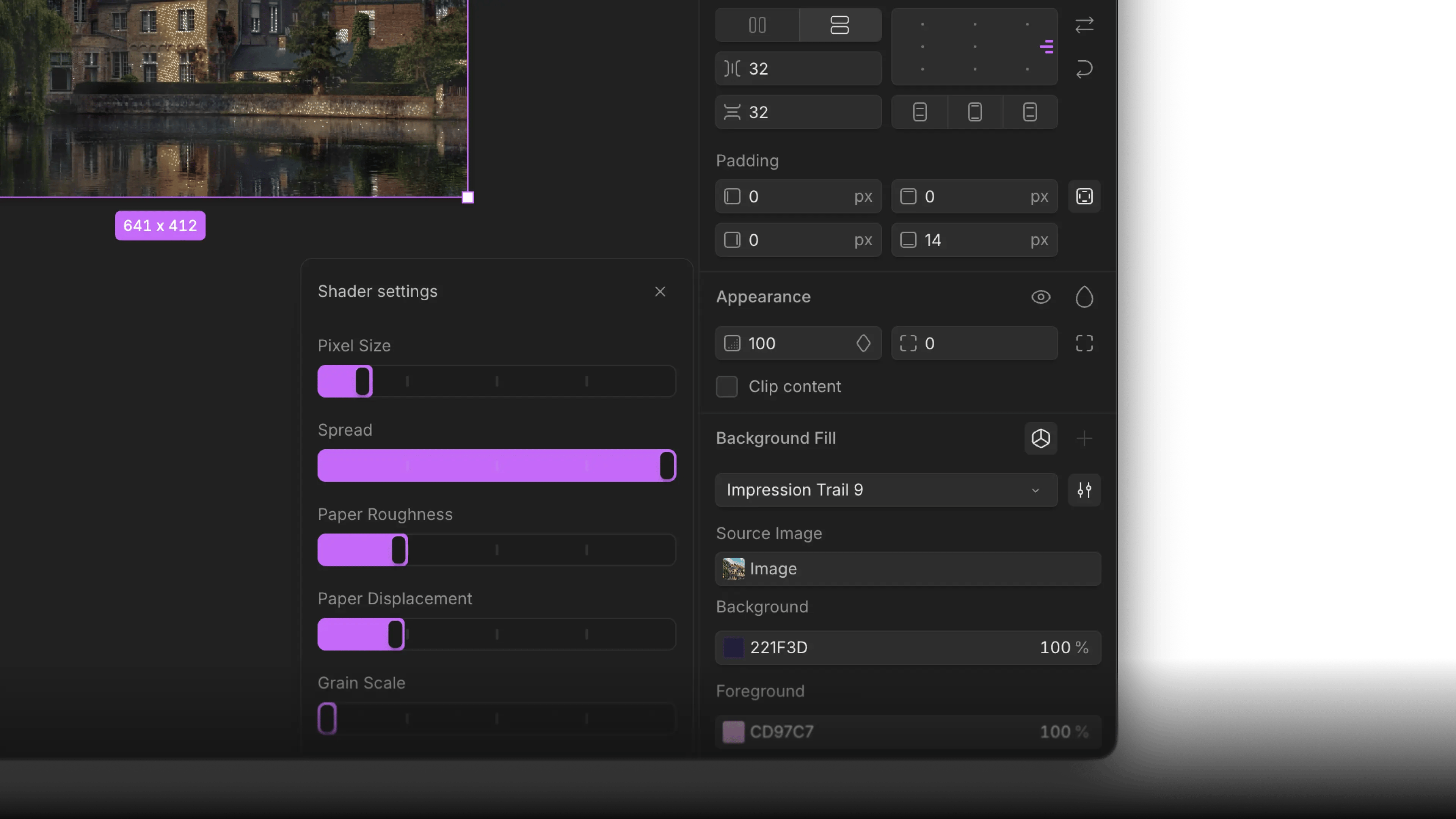
The Shader settings popover with sliders for pixel size, spread, paper roughness, displacement, and grain

Exporting shaders

When exporting or developing a design which contains a shader, the shader is fully functional and loaded via the shaders/react package by shaders.com. To learn more about the package, please read the documentation here.

import { FilmGrain, FlowingGradient, Grid, Shader } from 'shaders/react'

function ShaderEffect() {
  return (
    <Shader style={{ position: 'absolute', inset: 0, zIndex: -1, pointerEvents: 'none' }}>
      <FlowingGradient
        colorB="#2b7063ff"
        colorC="#4d8bff"
        colorD="#35ffb2"
        colorSpace="oklab"
        distortion={0.2}
        seed={30}
        visible={true} />
      <Grid
        blendMode="linearDodge"
        cells={30}
        opacity={0.01}
        thickness={0.4} />
      <FilmGrain
        strength={0.1} />
    </Shader>
  )
}

Limitations

Shaders are not yet supported by the Wonder AI chat. Also, we currently do not support variable-driven shaders. We are working on shipping this implementation soon.

Performance

Shaders are GPU-heavy. Using a lot of shaders on one canvas can cause FPS drops.