
Generate Vectors
Generate scalable vector graphics from the Wonder AI chat, powered by Quiver.
On this page
You can generate vector graphics (SVGs) directly from the Wonder AI chat. Under the hood, Wonder uses Quiver, a model built specifically for generating SVGs.
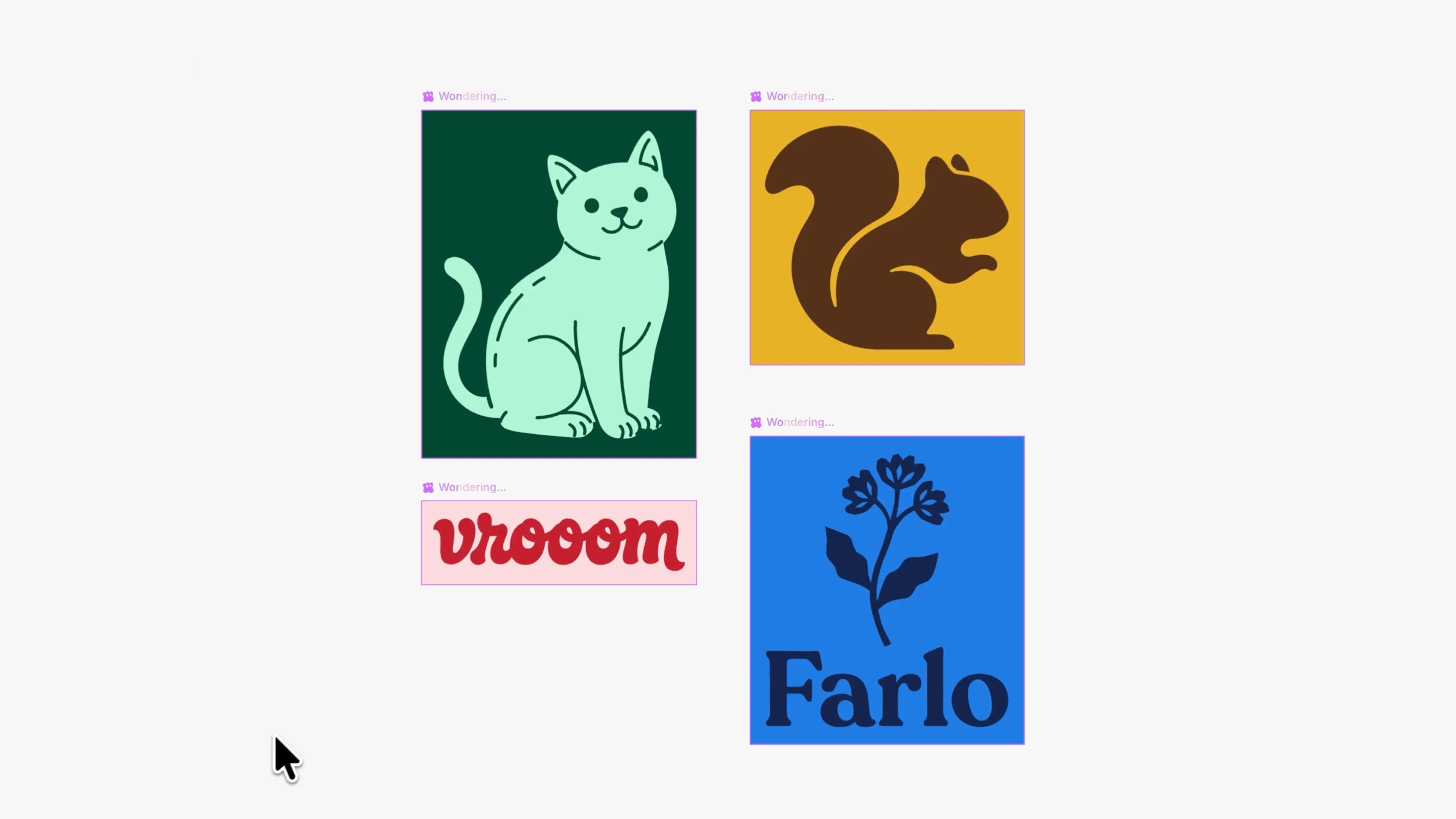
Generate a vector
Open the Wonder AI chat and describe what you want:
Create a SVG wordmark reading “Wonder” in a bold, fluid, hand-lettered brush script similar to a vintage signature logo. Use smooth connected letterforms, rounded strokes, a slightly forward-leaning rhythm and a long sweeping underline extending from the final letters.Wonder generates the vector on the canvas as an SVG.
Adjust the colors
You can recolor a generated vector, and bind its colors to your variables so it stays in sync with your theme.
Download
You can download any generated vector as a clean SVG, ready to drop into your codebase or use anywhere else.
Editing is on the way
You can already recolor a vector, but reshaping its points and curves isn't supported on the canvas yet: that's on our roadmap. For now, refine the shape by prompting again, then download it.