
Designing with AI
Prompt Wonder to generate, explore, and refine designs directly on the canvas.
On this page
Designing with AI does not mean writing something in a prompt box and hoping it does your job end to end. We define designing with AI as sparring between you and your AI sparring partner. Working with AI on a canvas should help you delegate busywork to the agent and focus on the real, deep work yourself. AI can also help you ideate, find different perspectives, and widen your exploration.
To get the most out of collaborating with AI, communicating intent and the right context is key.
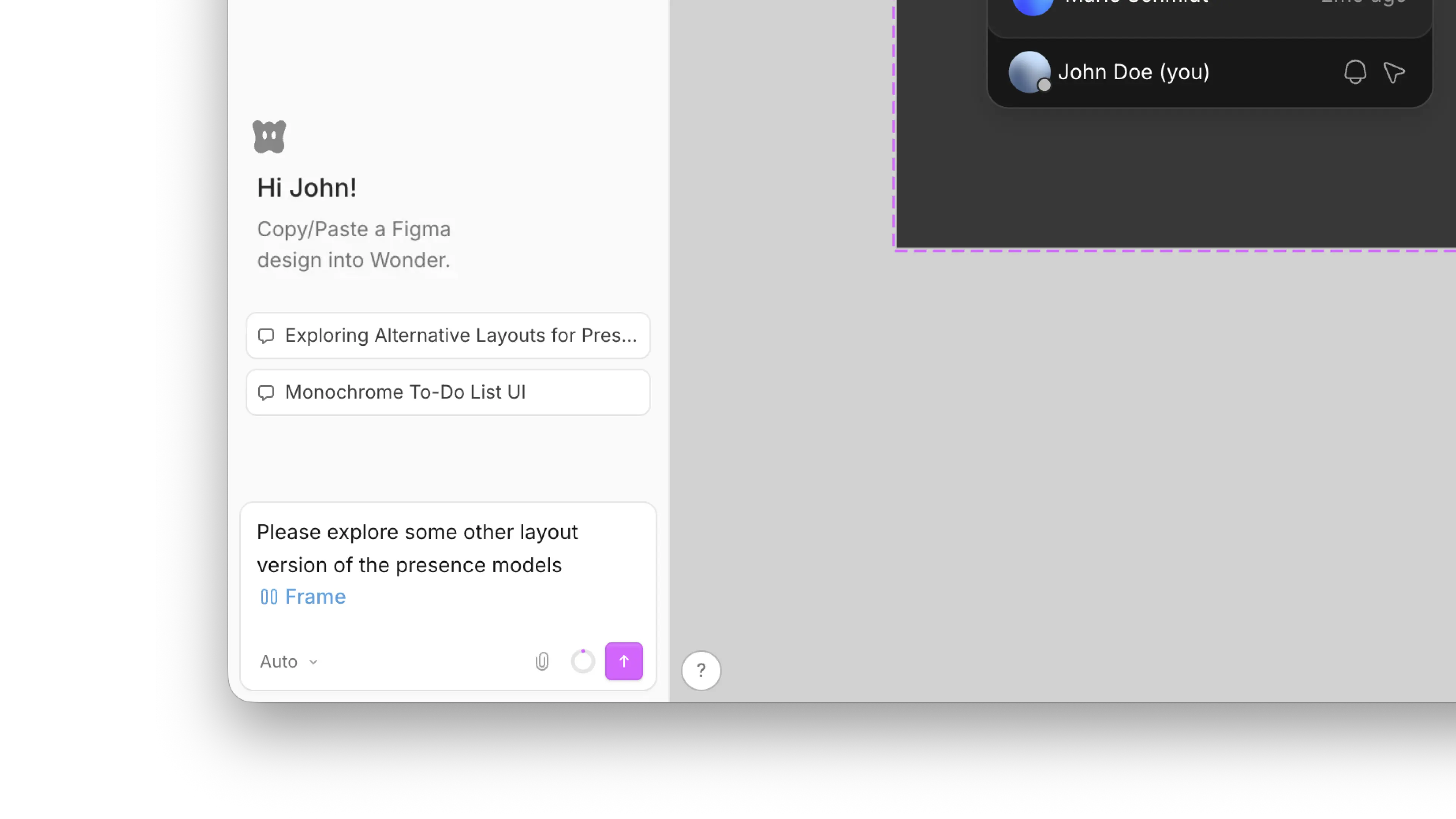
Write a good prompt
The more context you give Wonder about the surface, the intent, and any constraints, the better it can collaborate with you. A good prompt usually covers:
- Surface: what you're designing, such as a mobile onboarding flow, a settings page, or a pricing table.
- Intent: the goal, such as increasing readability and reducing the complexity of your pricing table.
- Constraints: anything fixed, such as existing components or legal requirements.
You can also point Wonder at things that are already on the canvas. Drop in a reference image or select an existing frame.
Be specific
The more specific you are, the better the outcome, so include your design preferences and technical requirements too. Instead of Create a mobile home screen, try something more specific:
Create a mobile screen for my simple to-do list app. It should show the tasks due today, tomorrow, and this week, plus a small input field to quickly add tasks. Use monochrome colors and sharp edges.Explore with AI
You can ask Wonder to explore several variations of one design side by side, so you can weigh them against each other and pick a direction to pursue:
- Variations:
Give me three style directions for this screen. - Perspectives:
Show me a few different layout options for this hero section.
Keep the direction that works best and refine it, or combine the strongest ideas from several into one.
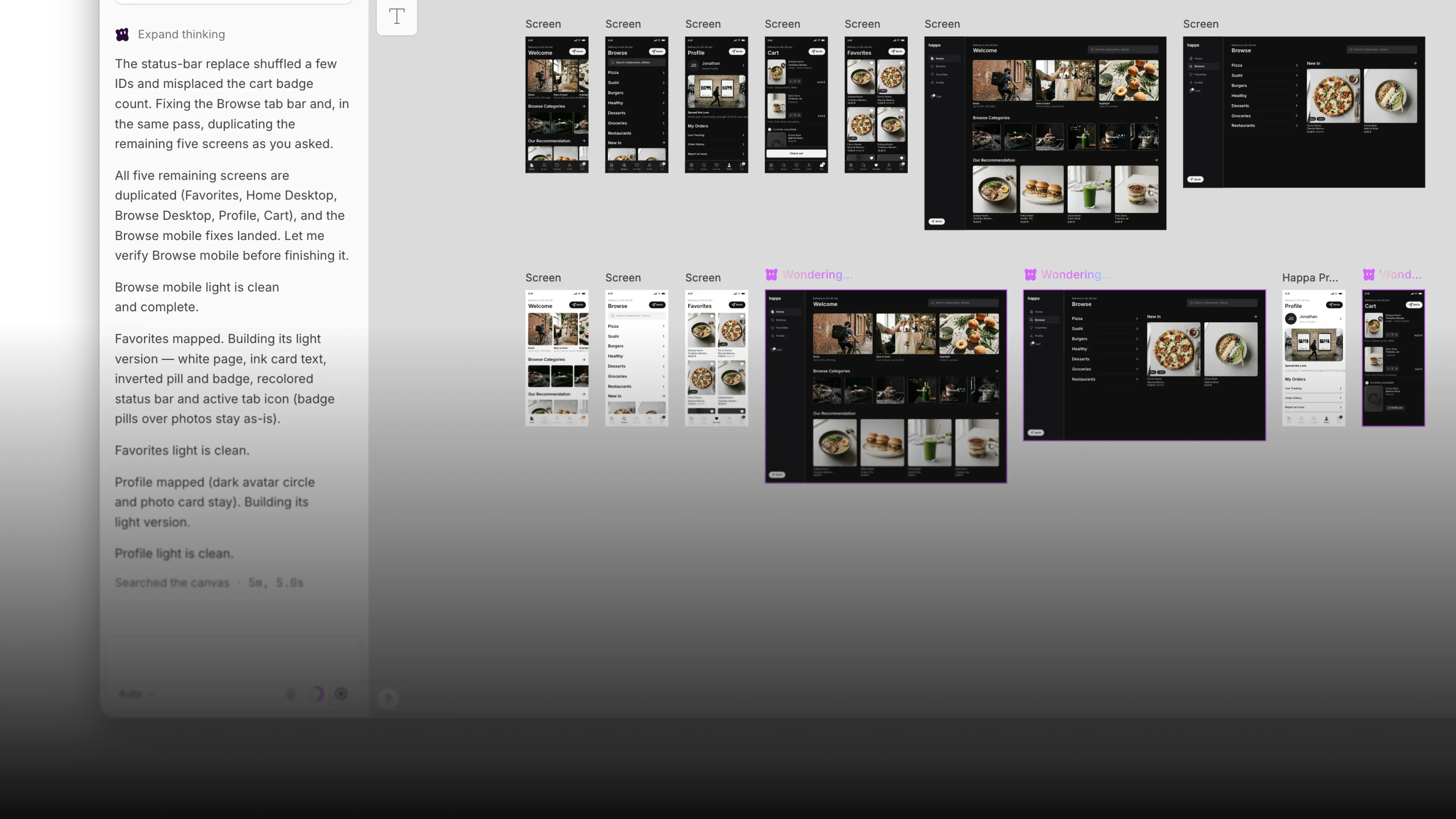
Refine
Once you have a direction you like, you can nudge it using Wonder until it feels right:
- Style:
Increase the spacing and soften the shadows. - Structure:
Move the CTA above the fold. - Cleanup:
Align these cards and make them equal height.
Everything Wonder generates stays fully editable, so you can always jump in and tweak designs by hand.