
From your codebase
Connect a GitHub repository to design with your real components, tokens, icons, and views.
On this page
Connect a GitHub repository and your codebase becomes something you can design with. Wonder reads your real components, tokens, icons, and views and brings them onto the canvas.
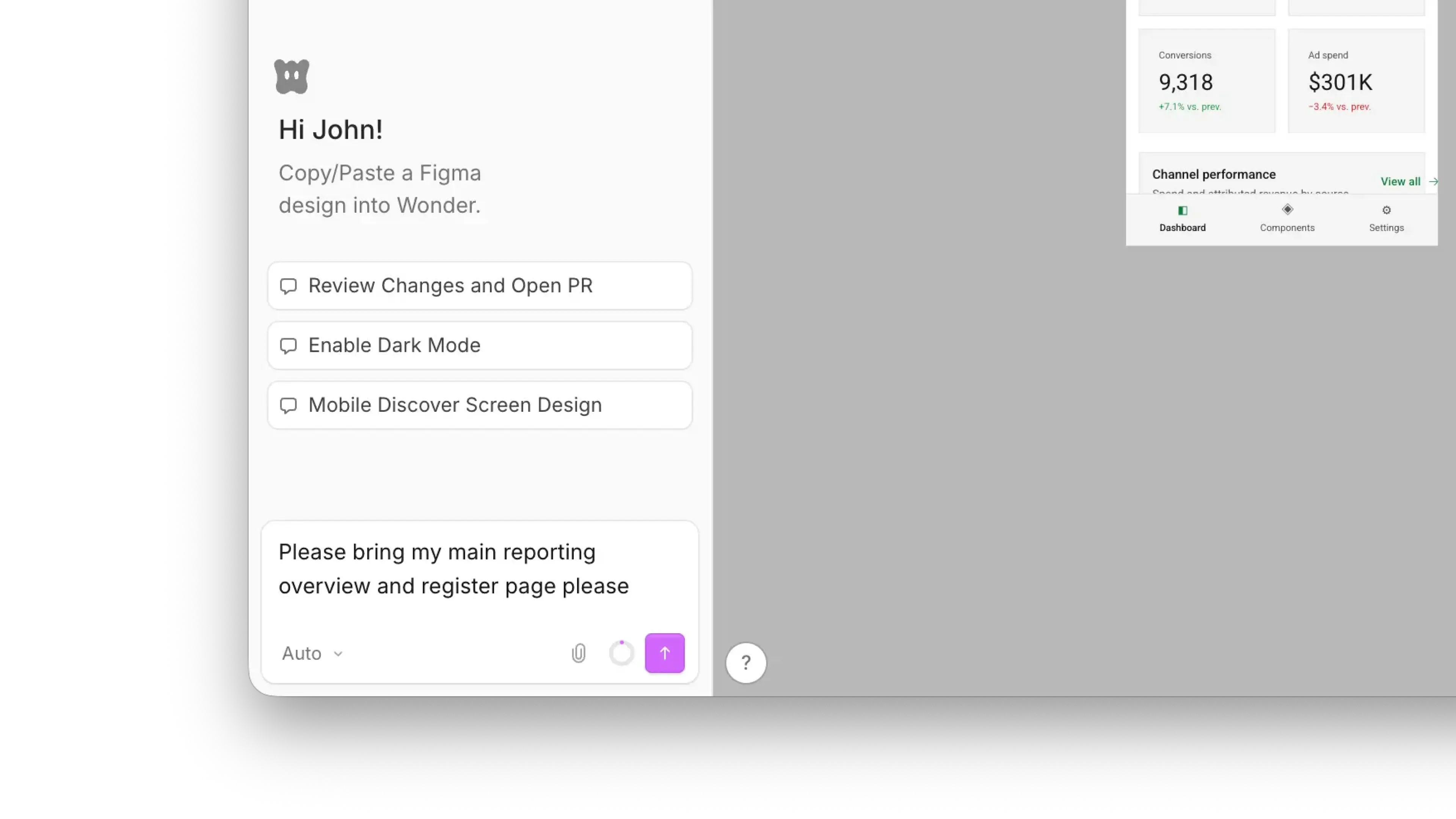
Bring designs onto the canvas
- Open a Wonder file.
- Connect your GitHub repository.
- Ask Wonder AI to bring the screen or design you want onto the canvas.
The first prompt can take a little longer
When you first connect a repository, Wonder imports your variables, so it has the context to produce accurate results. Because of that, your first prompt after connecting can take slightly longer and consume more tokens.
Besides connecting a GitHub repository via the Wonder app, you can also use the Wonder MCP to connect to your codebase. Read more about both approaches below: